Build your own AI prototyping setup.
Like Lovable or Claude Design, except it is yours: your context, your design system, a handful of skills. Once that stands, prototypes, slides and handouts come out in your world instead of a generic one.
AI-first design and prototyping, not a coding course.
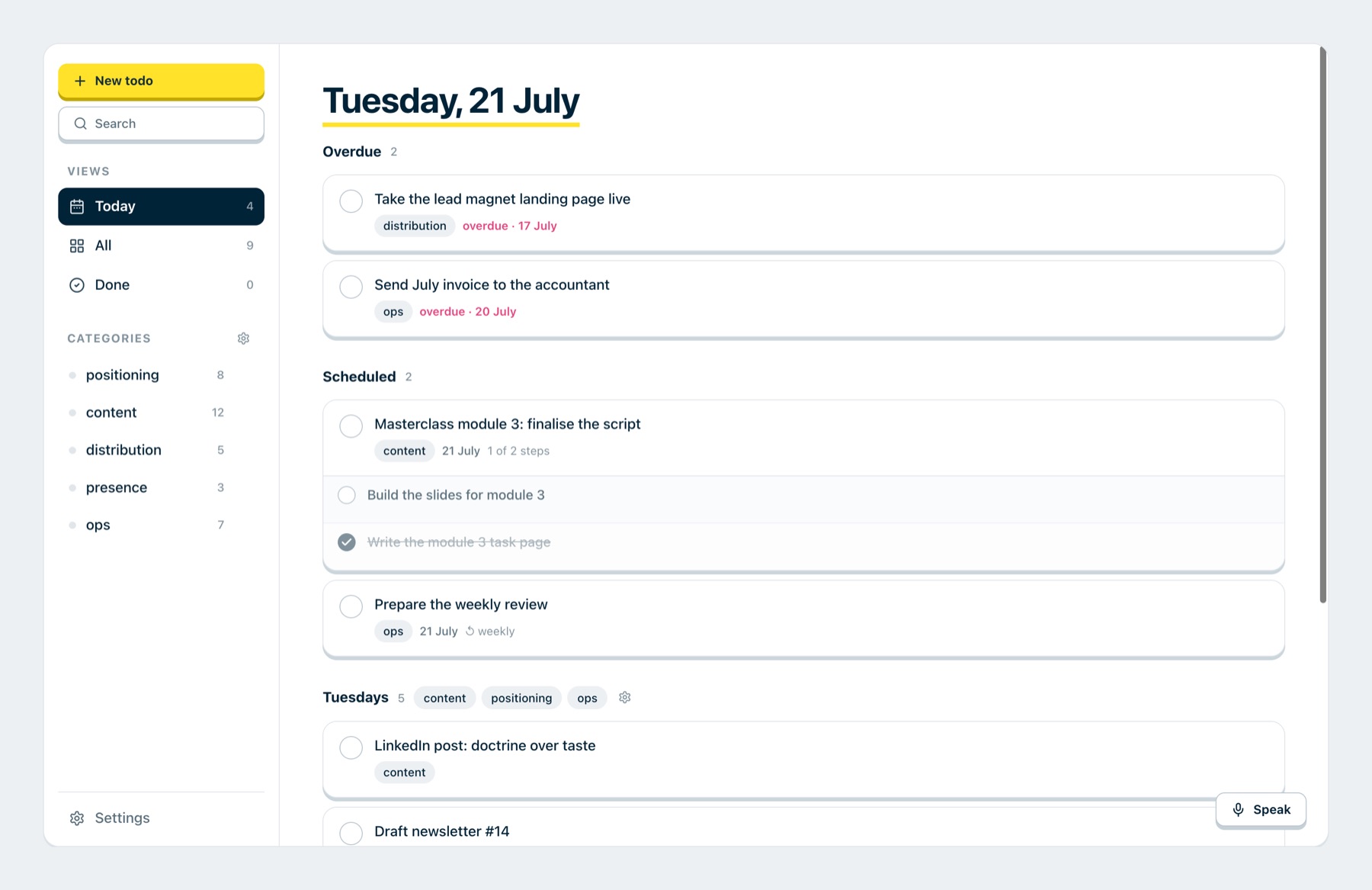



Everyone builds with AI now, and that is why everything looks the same. With your own setup, it builds in your language.
Pretty.
But interchangeable.
AI produces clean interfaces in seconds. They just look like everyone else's: averages instead of edges, and your brand is missing. That is not the model's fault, it is what it knows about you.
Explain once.
Always understood.
Your product idea becomes a context pack: product, users, rules, written in Markdown. The AI reads it with every prompt, and you never explain your product from scratch again.
One brief.
A whole screen.
You write a brief with a fixed structure and get a finished screen instead of loose parts. Whatever works, you save as a skill. Then the same prompt delivers the same quality every time.
Not screens.
Whole flows.
The AI plans the user flow before the first screen exists. Copy and states are set up front: empty, first success, error, done. So everything fits together in the end instead of being patched later.
Your language.
Same every time.
You distill your design into a file the AI can read: tokens, components and rules with the reasoning behind them. Then the same card is the same card every time, in whatever tool.
Build it once.
Not three times.
Today the same thing gets built three times: with AI, in Figma and in code. Once AI sits on your real building blocks, the detour disappears, and product people build along without it drifting apart.
What readers say afterwards
„It is the first time AI feels like a tool I can really control.“
„In Jens' course I learned a clear process for using AI in design. With it I then built and shipped a real tool.“
„With your clear approach I finally see a path to usable results instead of random screens.“
Not made up.
Built every day.
I am Jens Rusitschka, product manager, UX designer and AI engineer from Munich, with over 20 years in digital products. The handbook describes the workflows I use to build every day myself.

Design systems, AI and the path from draft to finished interface
Is a good design system not enough for the AI to build coherent screens?
No, and this gap is the whole point. A design system gives the AI the building blocks, but not the build instructions: how they turn into a finished screen. Without them the AI builds what it learned somewhere. Solid, but arbitrary, not yours. You build those instructions here.
Is Claude Design not a special tool that already does this?
No. Claude Design is a shell around a normal AI model, plus your design system and a few rules. You can build that shell yourself instead of renting it.
The tools keep getting better. Do I even need this knowledge?
Yes. The next model will not know your decisions any more than today's does. Pop-up or panel, which fields are required, what red means in your product: thousands of micro-decisions that are not in the code and that the AI guesses anew on every run. Write them down, with the why, and you get the same result every time. Leave them in your head, and you get the average.
Can I not just store my design system in Claude Design?
You can, and it helps. But that layer lives in their product, you only rent it. What you write down yourself you take into every tool. That is exactly what you build here.
Get access and start right away
Unlocked instantly. Start with the handbook, or add the videos.
Everything step by step to follow along, to read.
- All chapters as step-by-step exercises
- A ready-to-copy instruction at every point
- The template to build your own system
- Unlocked instantly, you start right away
Everything from the left, plus videos that walk you through.
- Everything from "Without video"
- A video that guides you through every chapter
- Building your own design system
- You get new chapters for free
Your own AI setup.
In your design language.
No bootcamp. A handbook you buy once and keep forever.